
- Aashirvad-Hearing-Care's Blog
- Log in or register to post comments
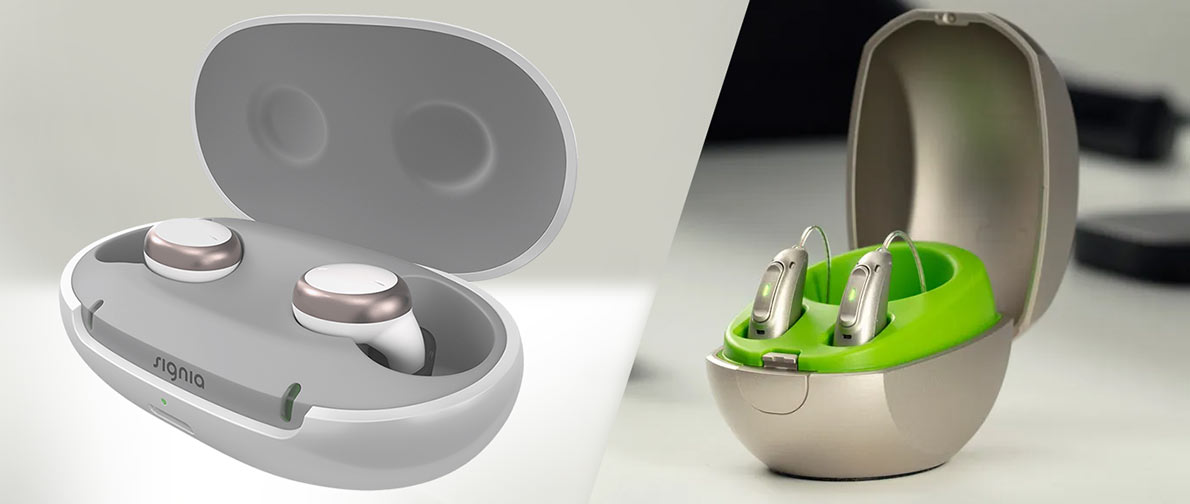
Rechargeable Hearing Aids: A Introductory Overview.
A large number of hearing devices available today feature rechargeable batteries. Other advanced brands like Widex and Oticon have a superior charging system. When your device is not charging the problem is not very tricky and can be easily resolved.
Step-by-Step Checks
Check the Power Source
Ensure that the charger is connected in a functional power outlet correctly. Try another socket if needed.
Confirm Proper Placement
The headphones should be placed in the charging station. Find indicator lights which indicate charge status.
Clean the Charging Contacts
The metal contacts may be blocked by dust, moisture or earwax that can prevent charging. Wipe them lightly using a clean dry cloth.
Inspect the Charging Cable
Check on any damage that is visible, loose wires or connectors that are bent. A defective cable may result in a complete stop of the charging process.
Check for Moisture
In case the hearing aids got wet, dry them thoroughly before you put them in the charger.
Battery or Software Issues
The battery can sometimes be battered out and it has to be replaced. The device can also need a reset or software update in some special situations.
Who: When to Call a Professional.
In case all these steps fail, call your hearing center. Do not open the hearing aid yourself while it will break the device and cancel the warranty.
Charging problems are often avoided by having the device cleaned regularly and placed properly. It is also important to ensure that the charger is stored somewhere dry and safe to ensure performance.